Added with one line
Insert the link once and it works instantly across every page.
Accessibility for people with disabilities, added with one line of code
A compact control panel on the edge of your website. One click reveals features that help every visitor, especially people with disabilities, read and use your site smoothly in the way that suits them.
Insert the link once and it works instantly across every page.
Runs in an isolated layer, so it never conflicts with your site's look or colors.
A fully Arabic right-to-left interface, plus English left-to-right.
No external libraries and no impact on site performance.
Adapts to visitor preferences and your brand colors.
Automatically checks contrast clarity.
Copy one line and paste it into your site's main page. The tool appears immediately for all visitors on every page, or only on the pages you choose.
Visitors pick the profile that fits their needs, and the tool enables all the relevant features in one step.
Stops flashing, motion and hazardous colors.
Larger text and content, a readable font, high contrast and a large cursor.
A comfortable font, wider spacing, a reading guide and a focus mask.
Keyboard navigation, a colored cursor and click confirmation.
Color adjustments for all three types of color blindness.
A dedicated font with letter spacing and a reading guide.
Fewer distractions and steady focus on reading.
Audio reading of content to help navigate site elements.
Many tools offer graduated levels, such as text size at 125%, 150% and 200%, and the site remembers each visitor's choices for their next visit.
| Group | How the tool helps |
|---|---|
| Low-vision users and older adults | Larger text and content, higher contrast and a clearer cursor. |
| Blind users | Audio reading of content and a site optimized for screen readers. |
| People with color blindness | Color adjustments and highlighted links and headings. |
| People with dyslexia | A dedicated font, wider spacing and a reading guide. |
| People with ADHD | Fewer distractions and a focus mask that steadies attention. |
| People with cognitive disabilities | Simpler reading and better focus. |
| People with motor disabilities | Keyboard navigation and visual click confirmation. |
| People sensitive to flashing and motion | Stops motion, flashing and animated images. |

 Built in-house
A Saudi enterprise resource planning system
Details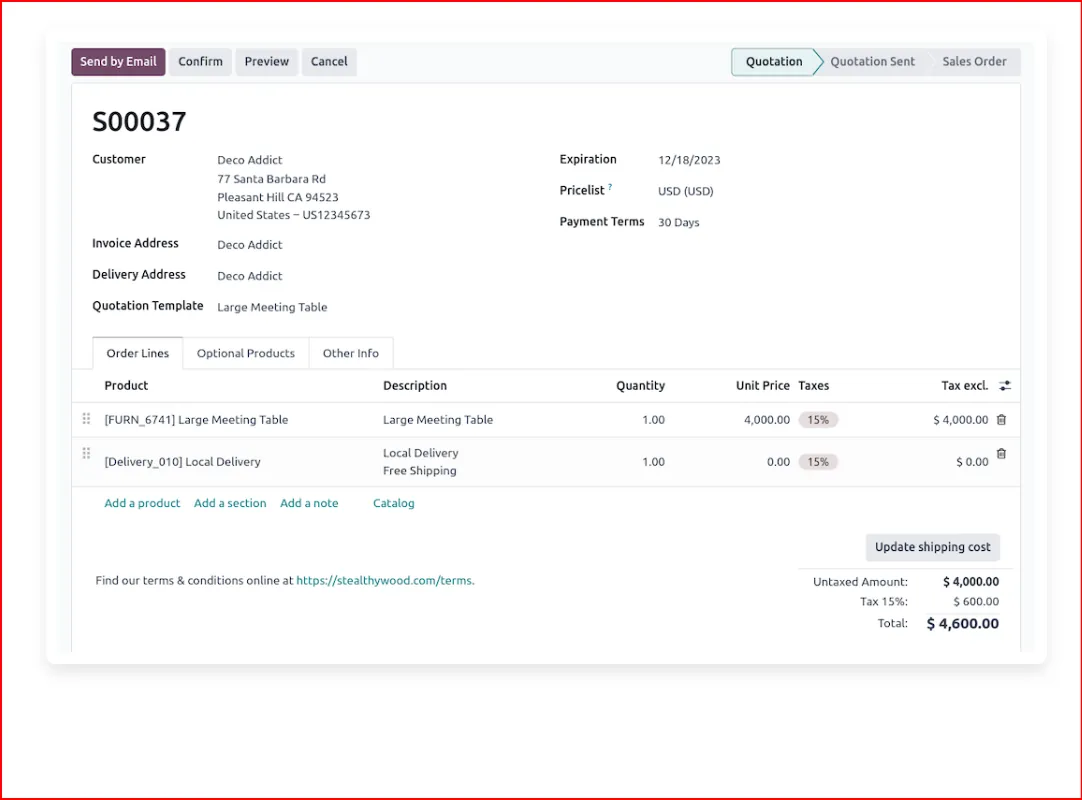

 Certified partner
A global platform that speaks Saudi
Details Artificial intelligence
An accounting mind that answers in Arabic
Details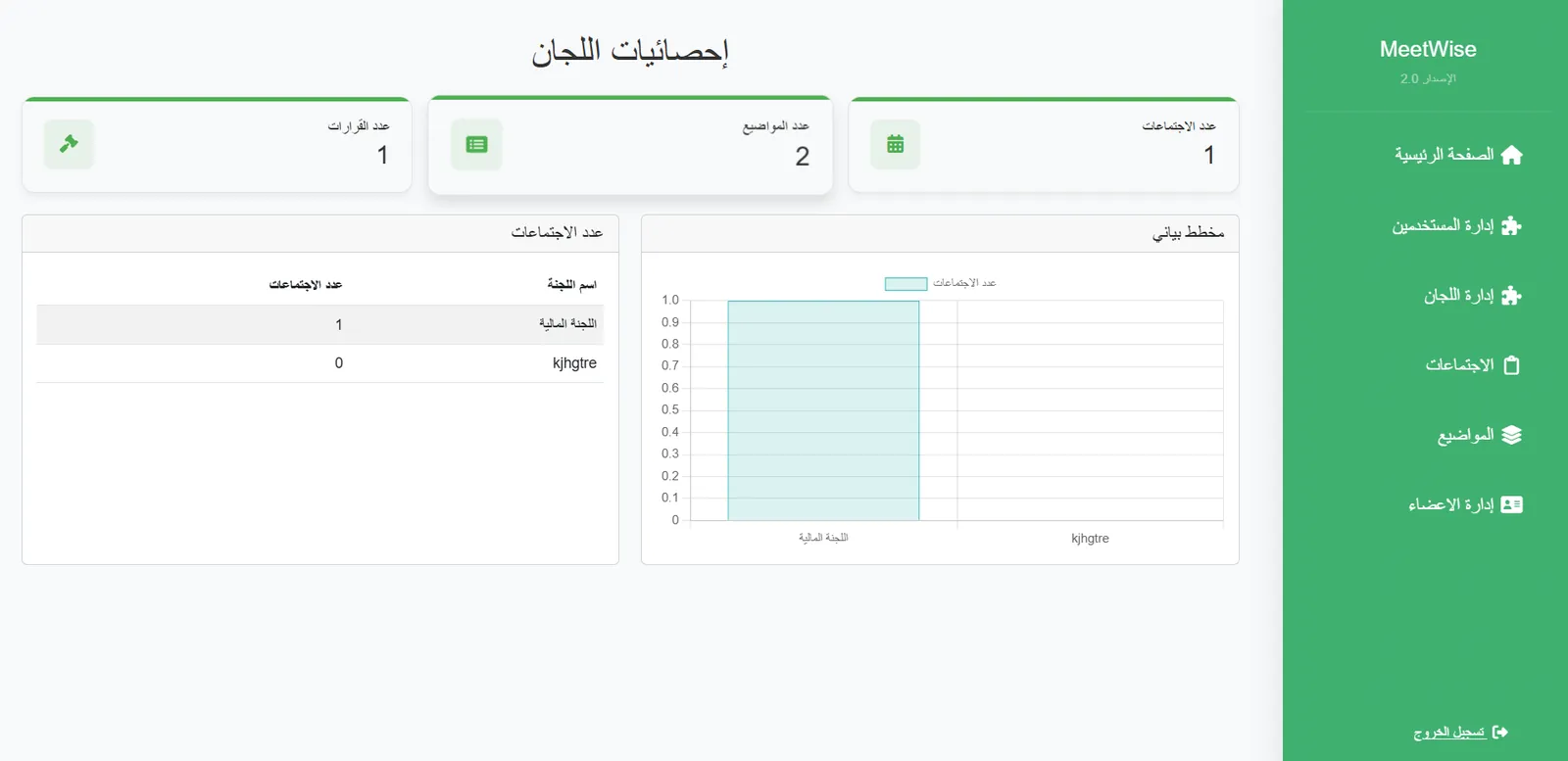 Governance
Digital governance for boards and committees
Details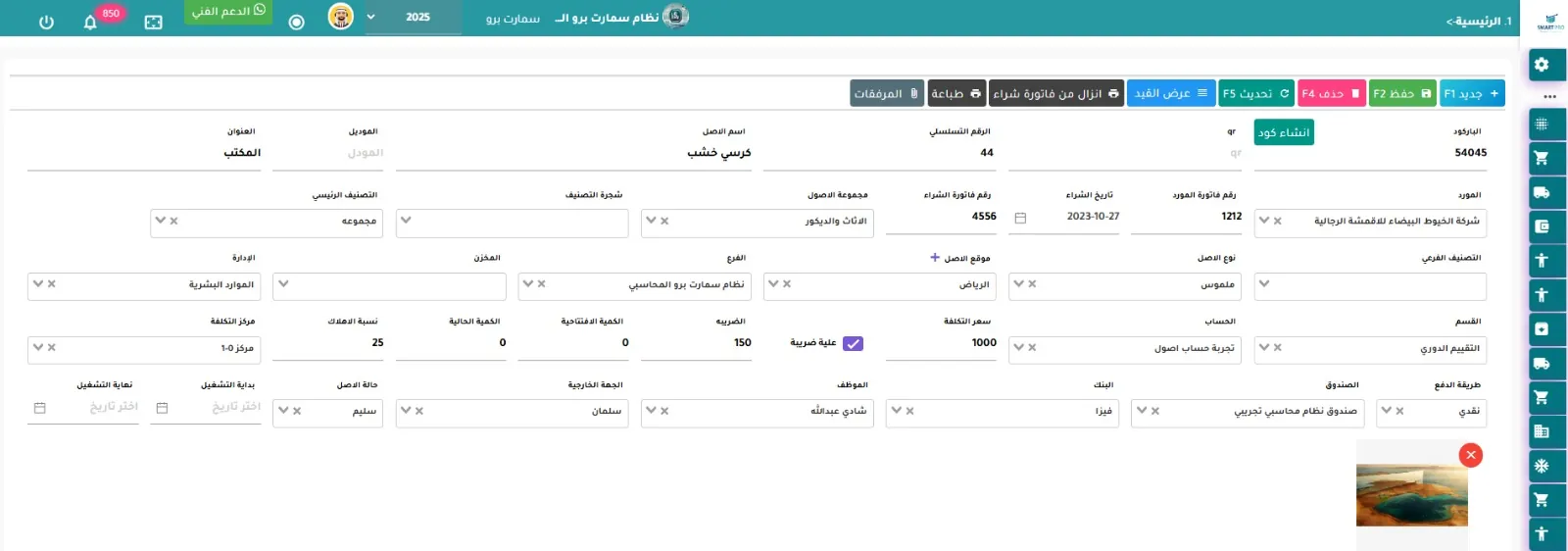 Asset management
The asset lifecycle, from registration to depreciation
Details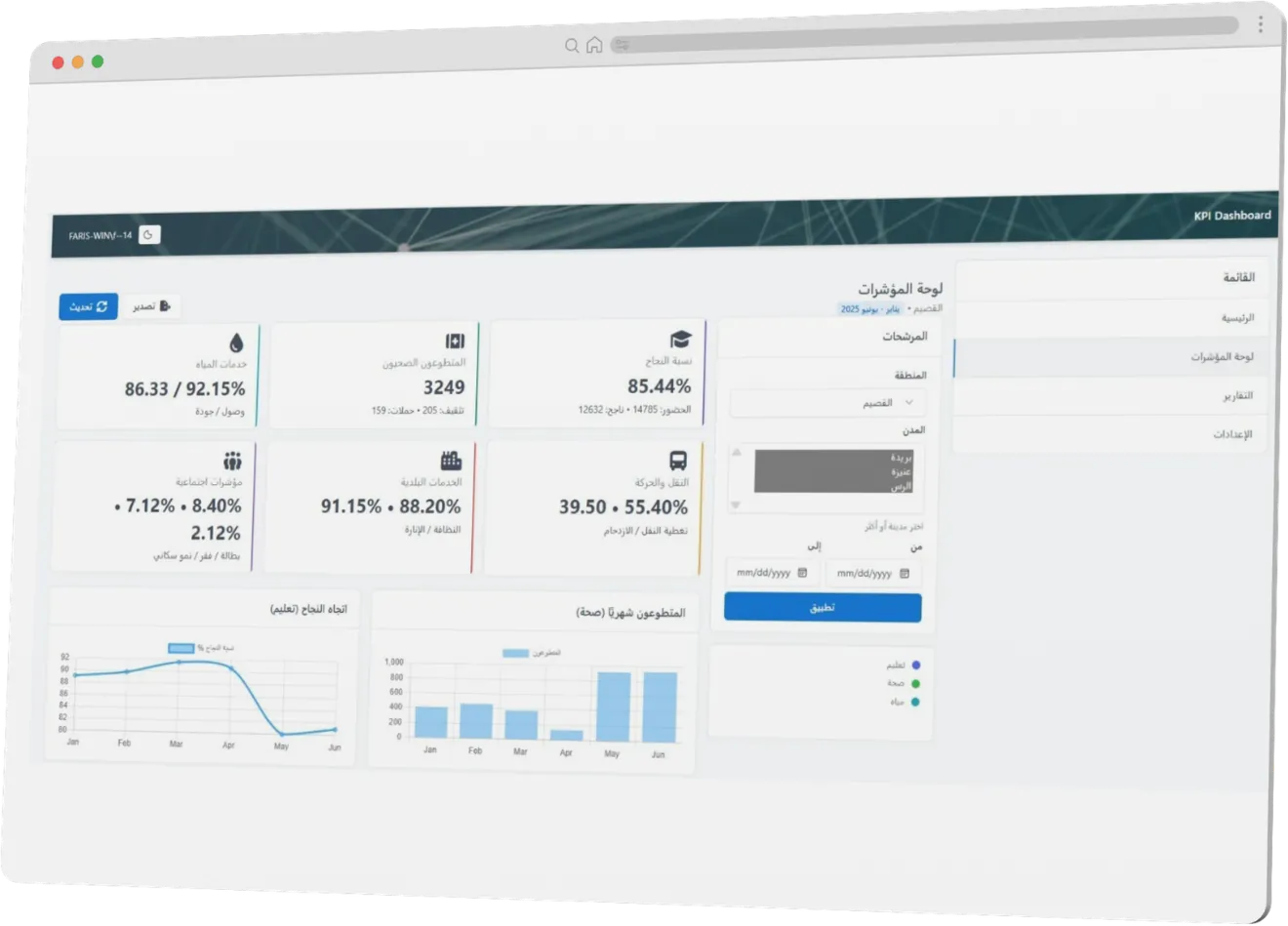 Vision 2030
A real-time dashboard for performance and achievement
Details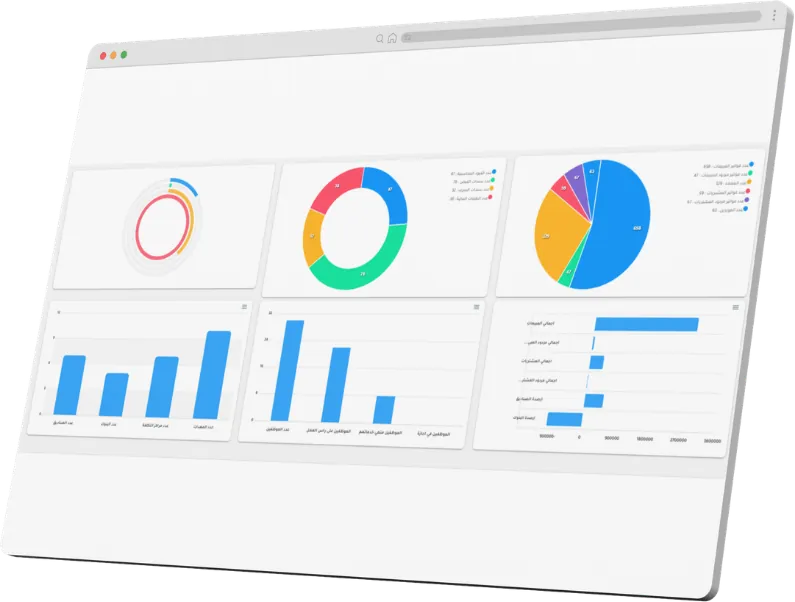 Digital transformation
Incoming, outgoing, archiving and transaction tracking
Details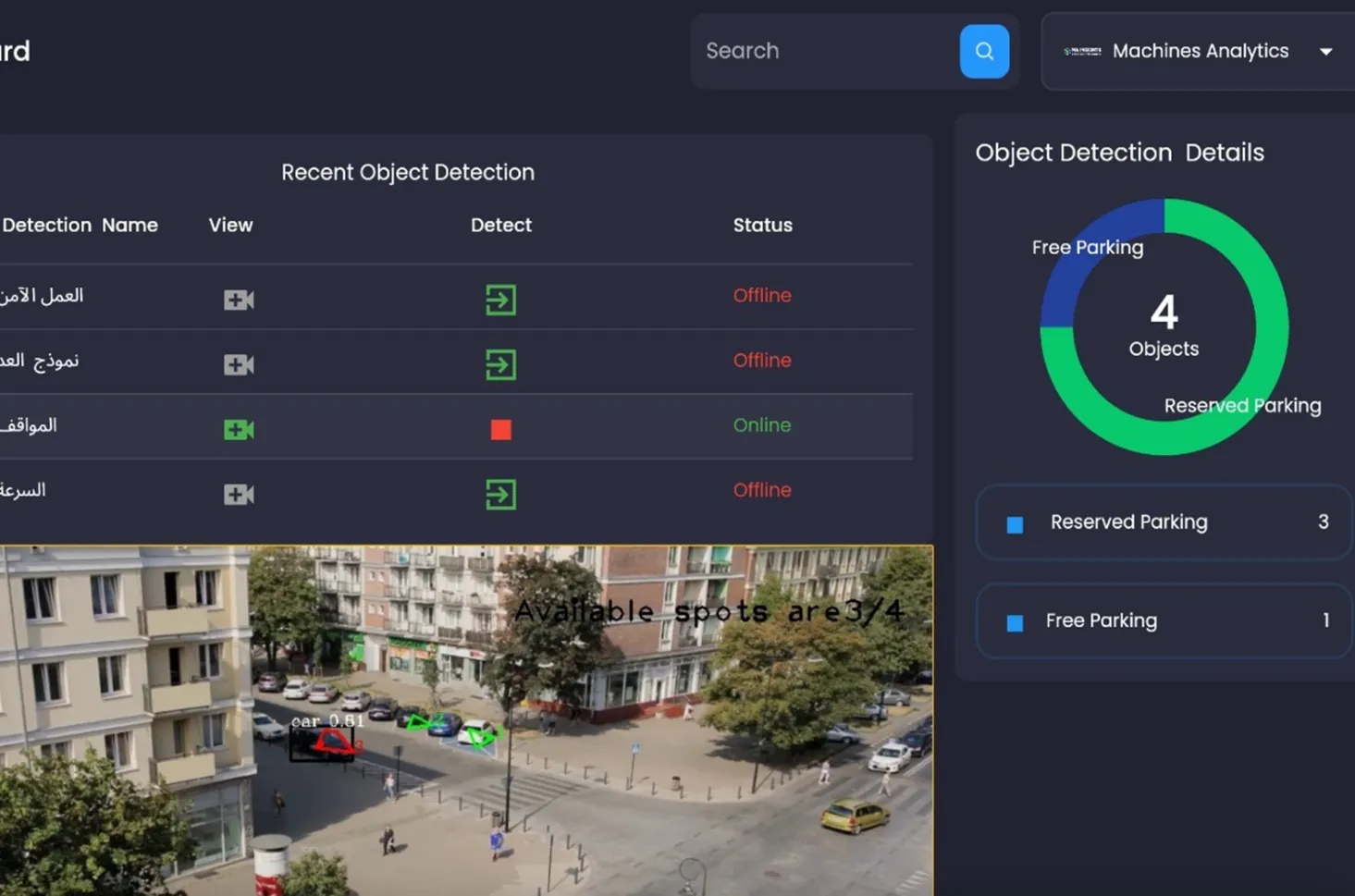 Computer vision
Real-time monitoring and analytics for factories and facilities
Details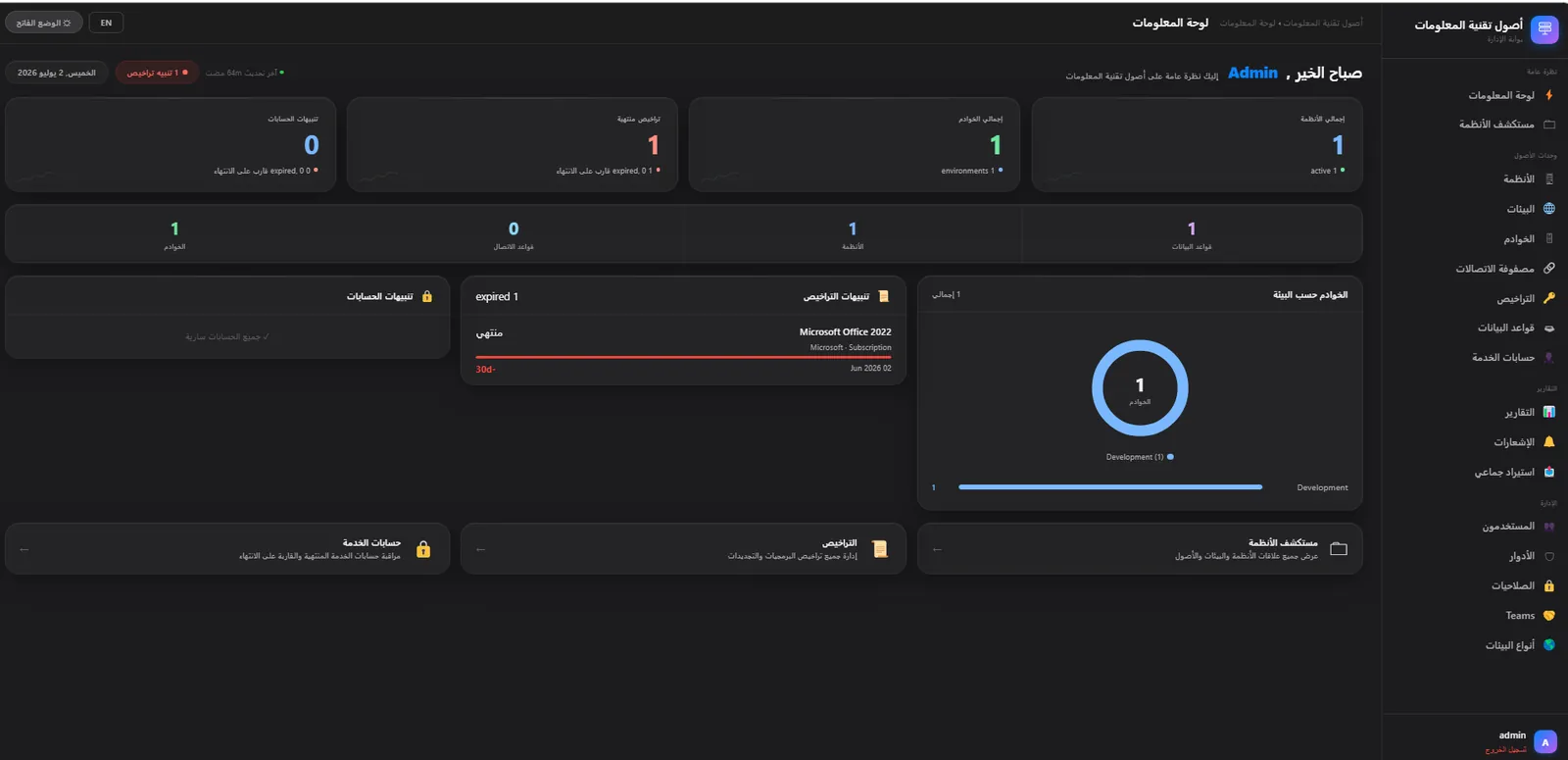 Infrastructure
Full control of your digital infrastructure from a single screen
Details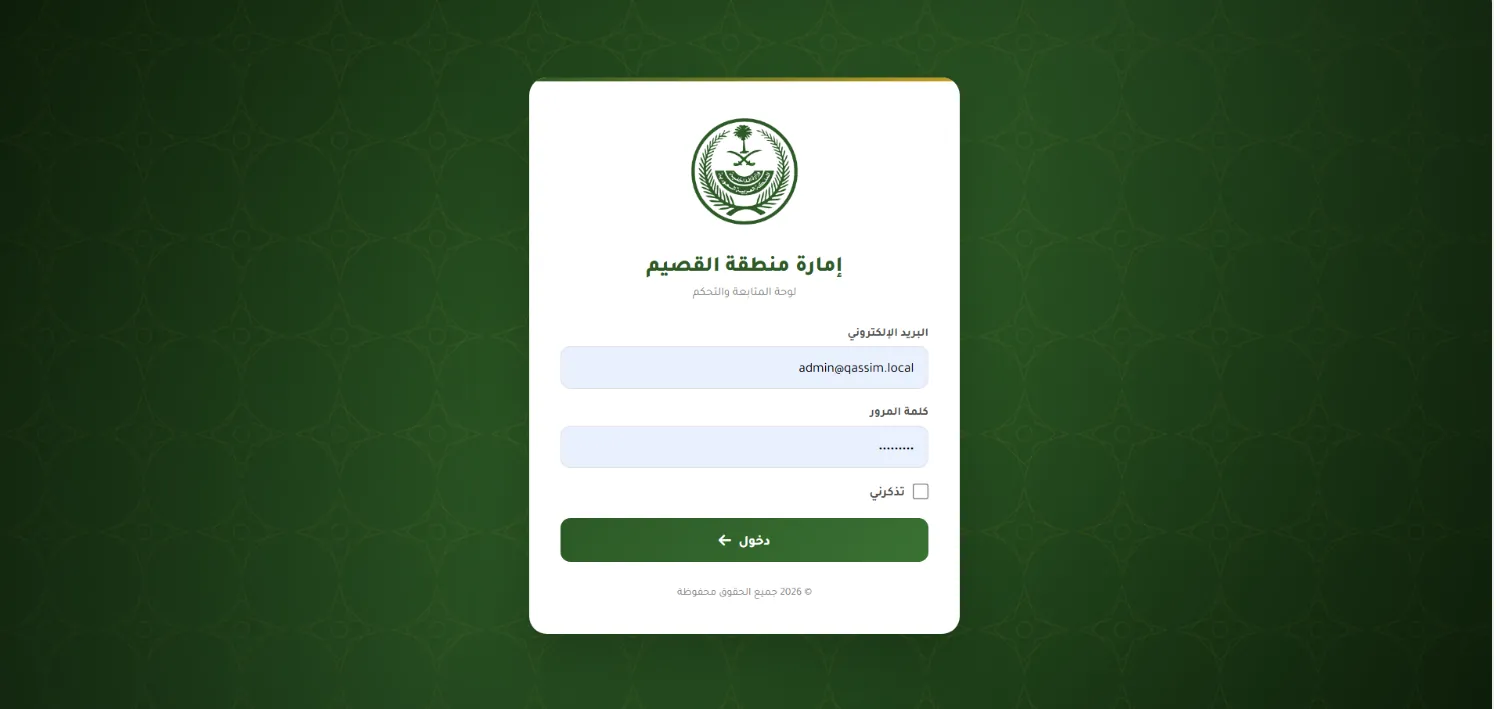 Emergency
24/7 command and control center
DetailsSpecialist consultants supporting your technical and operational goals
DetailsAutomate internal procedures and connect applications
DetailsA free 30-minute consultation to understand where you are today and propose a practical first step.